 In the Chrome Web Store
Sleep Timer for YouTube in Chrome
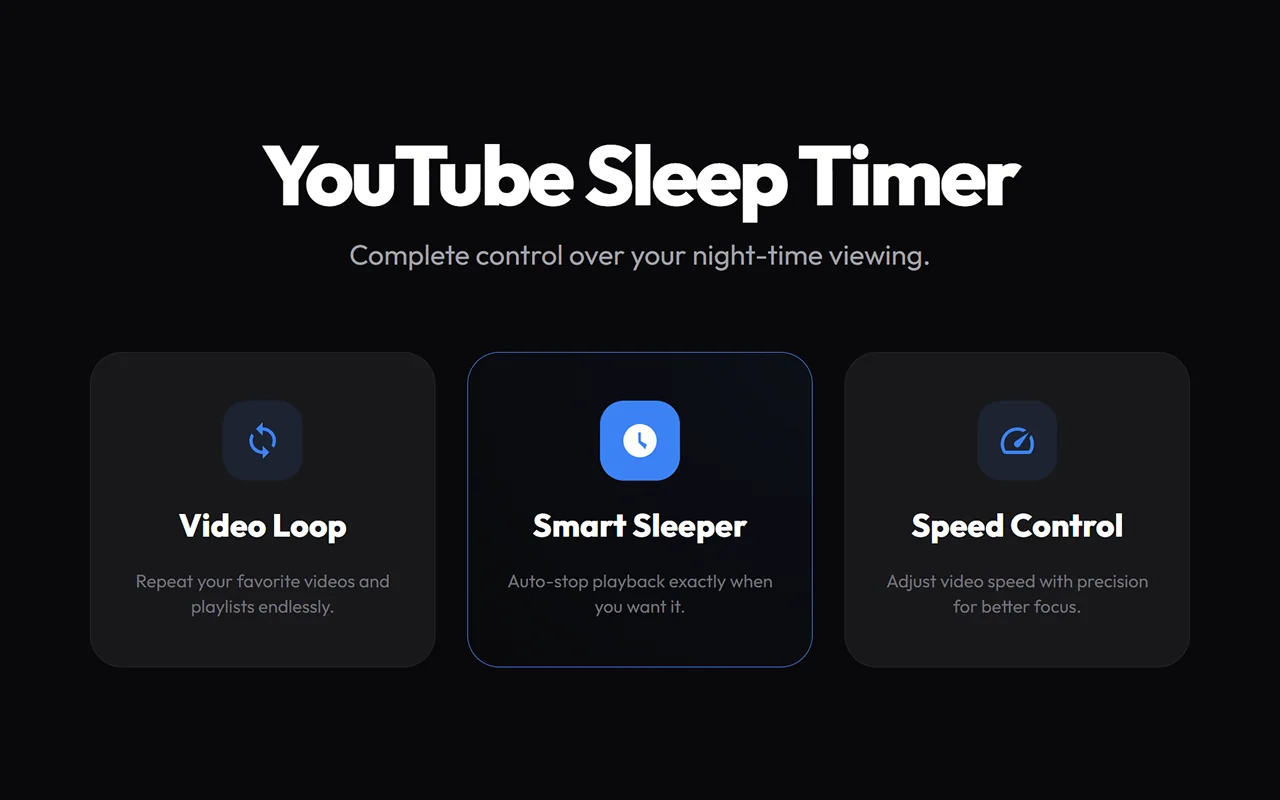
Fall asleep to music, podcasts or rain sounds without YouTube playing all night. This sleep timer for YouTube pauses the video on its own after the time you choose. The same extension loops videos and sets playback speed from 0.1x to 16x.
A free Chrome extension that adds a sleep timer, a video loop and speed control to YouTube.
- 10–60 min
- 0.1× → 16×
- youtube.com
How to set a sleep timer on YouTube
- Open a video or playlist on YouTube.
- Click the timer button in the player, or the extension icon in the toolbar.
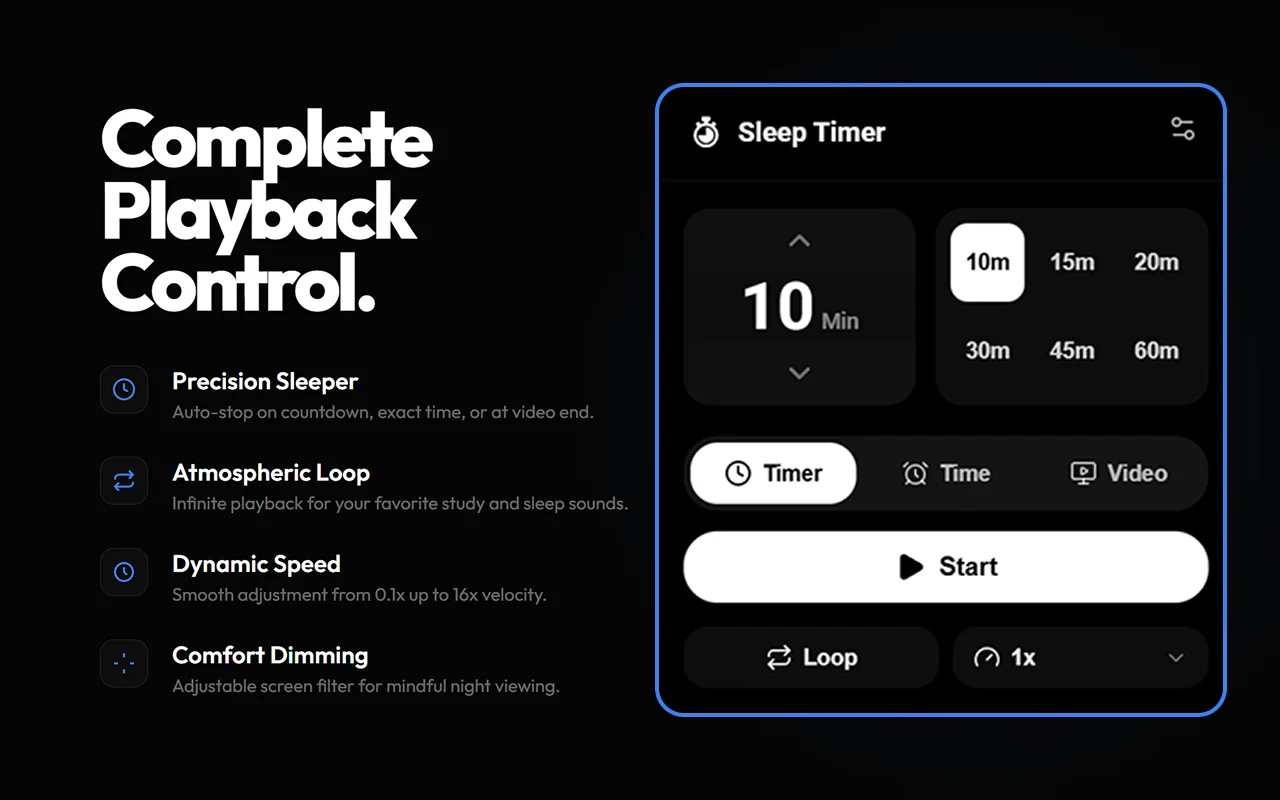
- Pick 10, 15, 20, 30, 45 or 60 minutes, set an exact clock time, or choose the end of the video.
- Press Start. When the time is up, the video pauses.
Everything for night-time listening
Three kinds of timer
A countdown from 1 to 180 minutes, an exact time such as 23:30, or the end of the current video, which also turns off autoplay so the next one doesn’t start.
Your own presets
The six quick buttons start at 10, 15, 20, 30, 45 and 60 minutes, and you can change them to the durations you use.
Loop any video
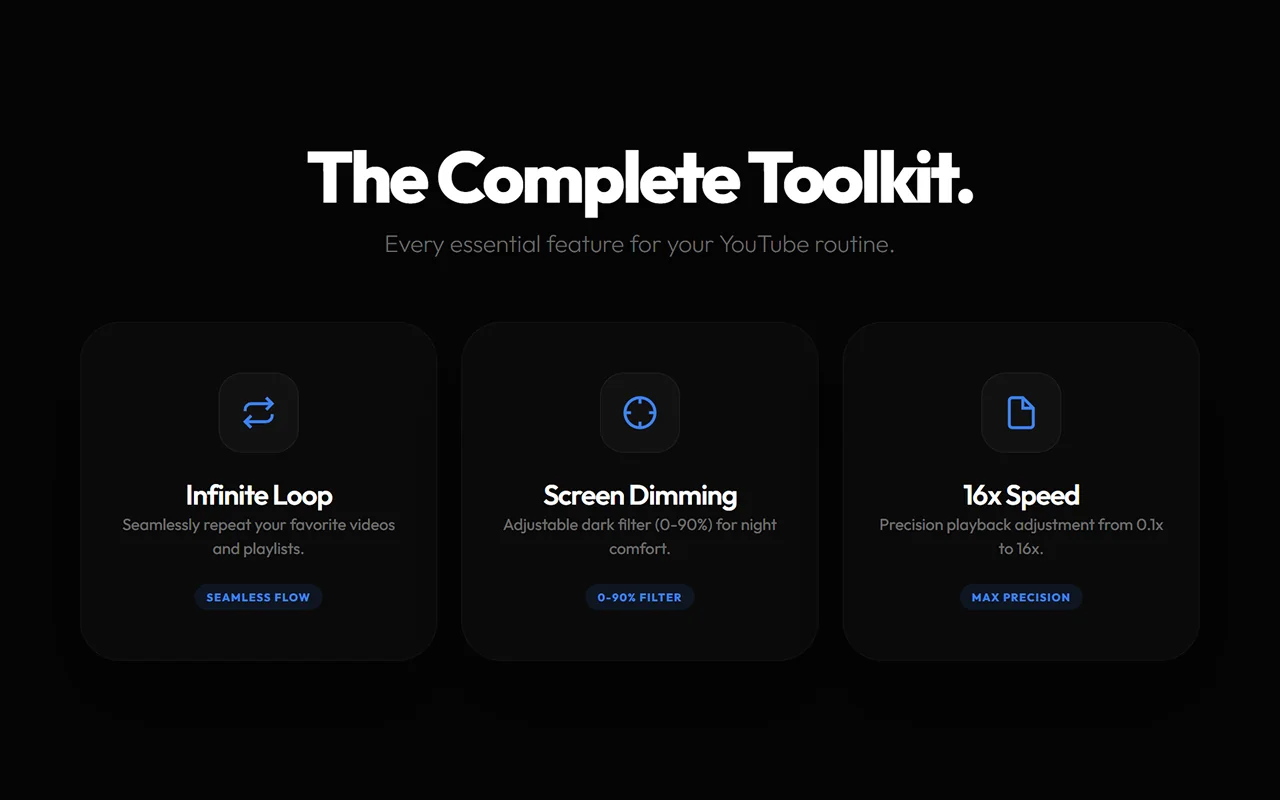
Turn on loop to keep a song, a study mix or a tutorial playing on repeat.
Speed from 0.1x to 16x
A slider in the player sets any speed in 0.05 steps, with quick chips from 0.5x to 16x and a one-click reset to 1x.
Dim the screen
A dark filter from 0 to 90% over the page makes late-night viewing easier on the eyes.
Right in the player
A button in the YouTube player opens the panel, so you don’t have to leave the video. The toolbar popup has the timer too.
Screenshots
No data collection
The extension makes no network requests of its own and has no analytics. Your settings and timers are saved in Chrome’s storage.
It works on youtube.com. Access to YouTube Music and mobile YouTube is optional and asked for only if you turn it on.
Questions and answers
Can you set a sleep timer on YouTube in Chrome?
Yes, with this extension. It adds a timer button to the YouTube player: a countdown, an exact clock time or the end of the current video.
Does YouTube have a sleep timer?
Yes, YouTube now has a basic built-in sleep timer with a few fixed durations and an end-of-video option. This extension adds any countdown from 1 to 180 minutes, an exact clock time such as 23:30 and presets you can change, with loop, speed and dimming in the same panel.
What happens when the timer ends?
The video pauses. The tab stays open, so you can pick up where you left off.
Can I stop YouTube after the current video?
Yes. Choose the end-of-video mode. It turns off loop and autoplay and pauses at the end of the video.
How do I loop a YouTube video?
Open the panel in the player and turn on Loop. The whole video repeats until you turn it off.
Can I play YouTube faster than 2x?
Yes. The speed slider in the player goes from 0.1x to 16x in 0.05 steps.
Does the sleep timer work on YouTube Music?
Yes. Open YouTube Music, click the extension icon and allow access once. The same timer then works there too.
Is it free?
Yes. The timer, loop, speed control and screen dimming are free.
Help and support
YouTube Sleep Timer
A free Chrome extension that adds a sleep timer, a video loop and speed control to YouTube.
YouTube is a trademark of Google LLC. This extension is independent and not affiliated with YouTube.