Installed. Now pin it to the toolbar
Keep MP4 to Transcript one click away:
- Click the puzzle-piece icon (Extensions) to the right of the address bar.
- Find MP4 to Transcript in the list and click the pin next to it.
- Its icon now stays in the toolbar. Click it whenever you need the extension.
 In the Chrome Web Store
MP4 to Transcript: video and audio to text on your own computer
Drop a recording and get an editable transcript with a timestamp on every line. OpenAI's open-source Whisper model runs inside Chrome, so interviews, meetings and voice memos never leave your computer.
A free Chrome extension that transcribes your audio and video files locally with Whisper and exports text or subtitles.
- MP4 · MP3 · WAV
- TXT · SRT · VTT
- Whisper · WebGPU
How to turn an MP4 into a transcript
- Add the extension and click its icon. Its page opens in a tab.
- Download the speech model once (566 MB). It stays on your computer for every file after that.
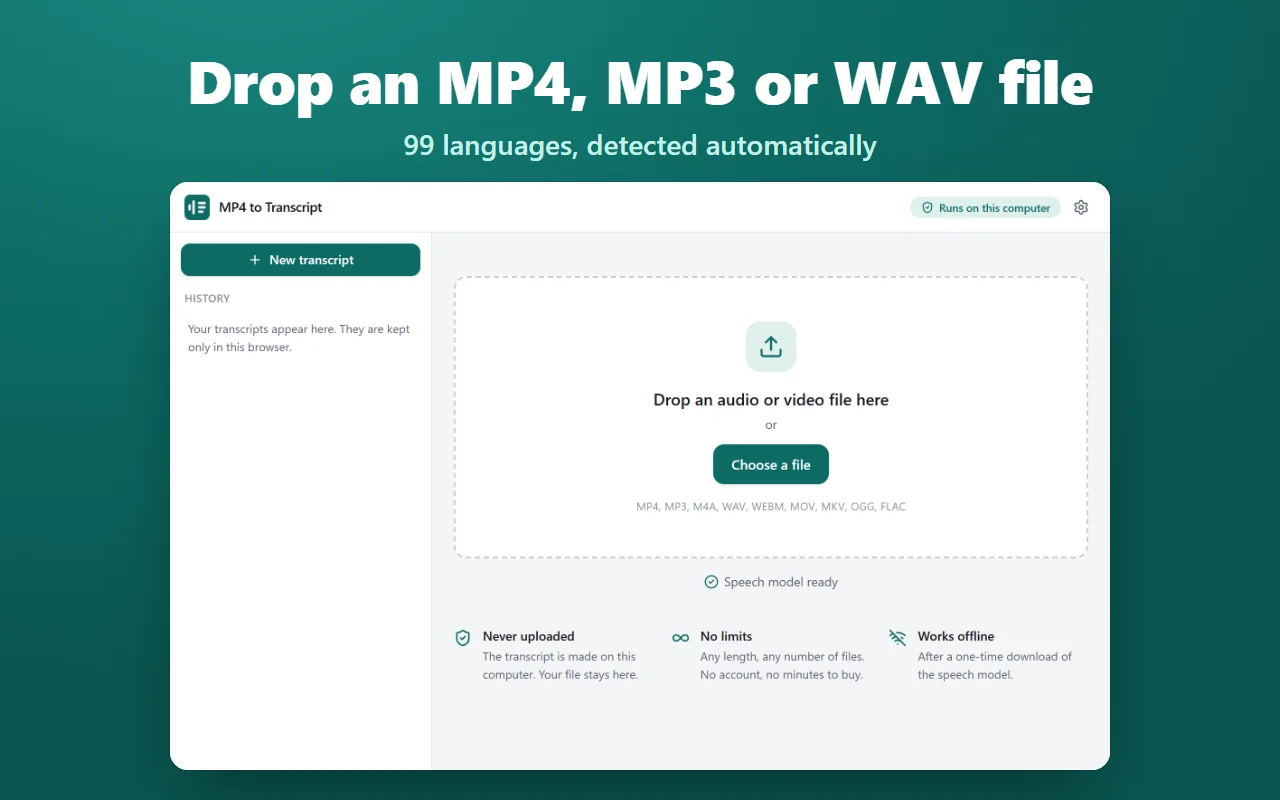
- Drop a video or audio file, or press Choose a file, then Transcribe.
- Read and correct the text, then copy it or export it as text or subtitles.
What you get
Never uploaded
The transcript is made on your computer with Whisper large-v3-turbo on WebGPU. After the one-time model download it works offline.
No limits
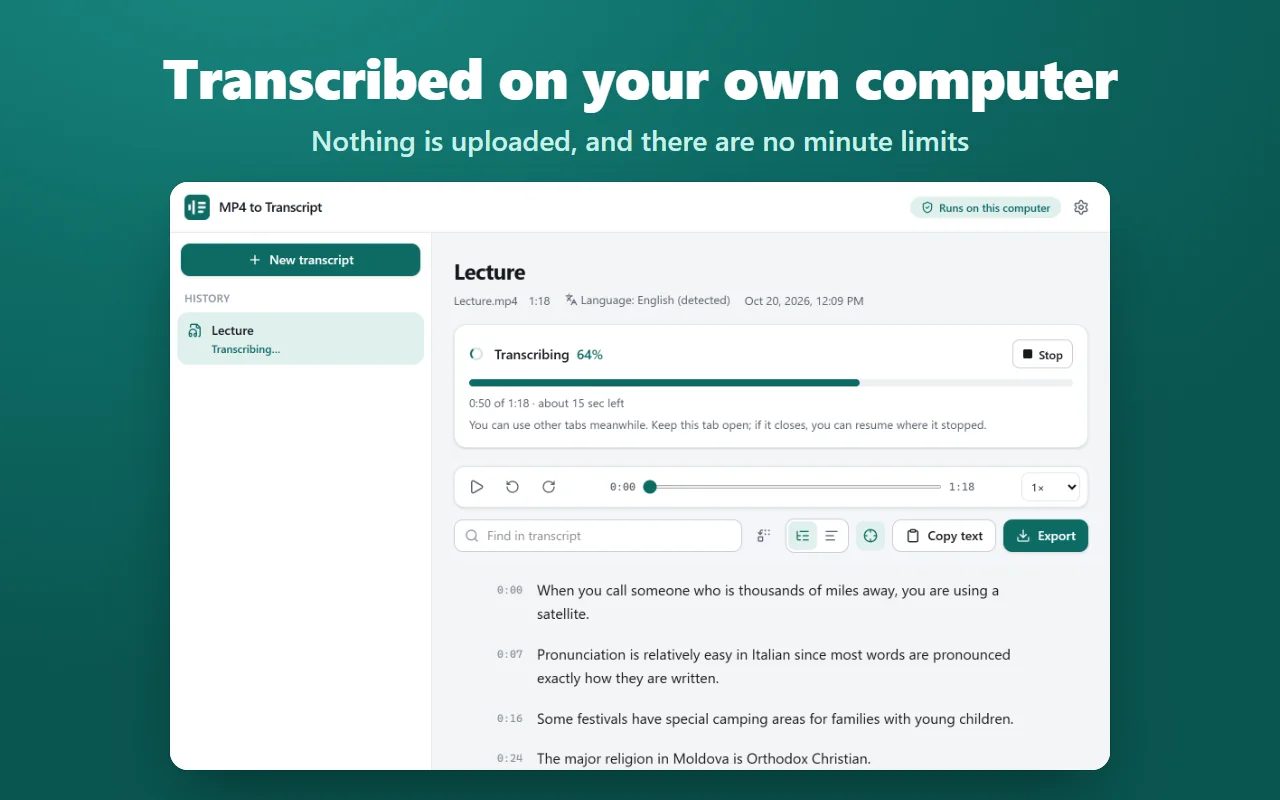
Any length and any number of files, with no account and no minutes to buy. Long files are read in pieces, so a two-hour recording fits in memory.
MP4, MP3 and more
MP4, MP3, M4A, WAV, WEBM, MOV, MKV, OGG and FLAC, and most other audio and video files Chrome can play: screen recordings, Zoom recordings, phone voice memos.
99 languages
Whisper detects the spoken language, or you pick it. Wrong guess? Transcribe the file again in another language.
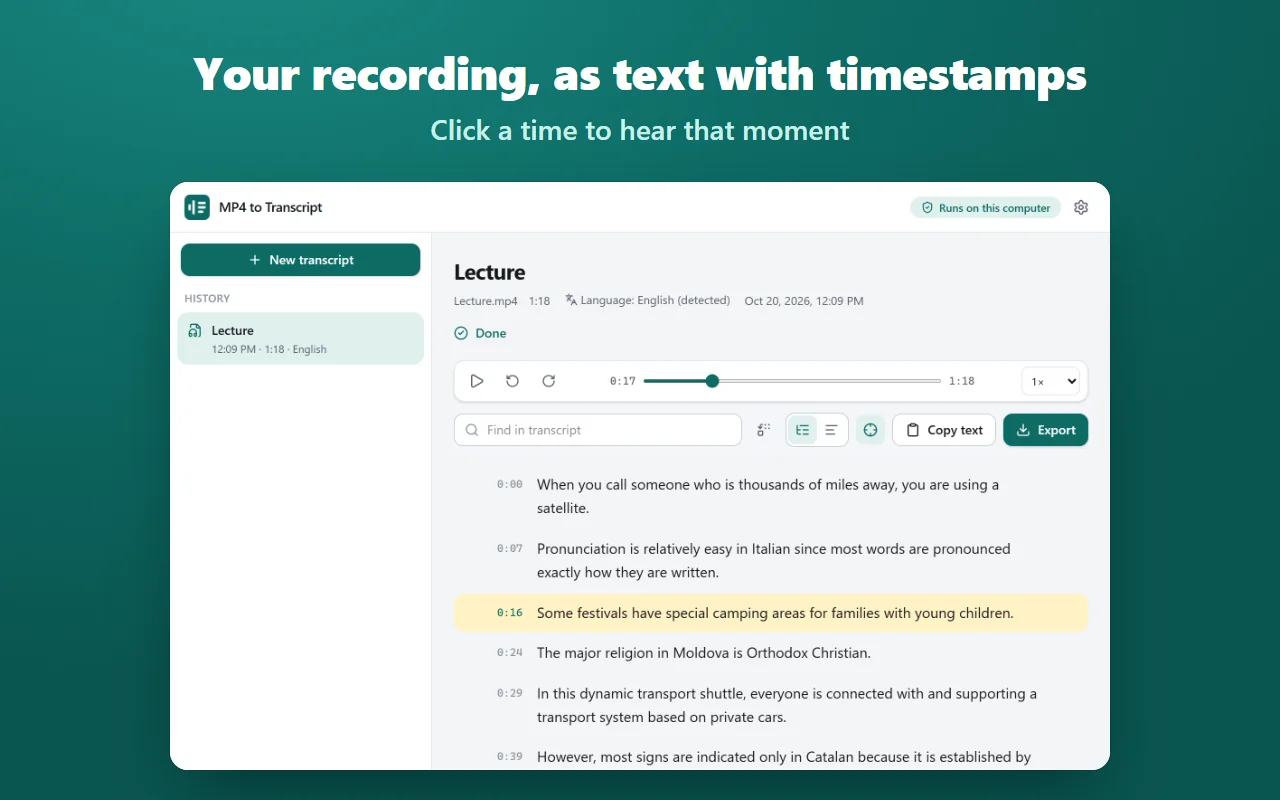
Timestamps you can click
Every line starts with its time. Click it to play the recording from that moment, at a slower or faster speed if you like.
Edit, find and replace
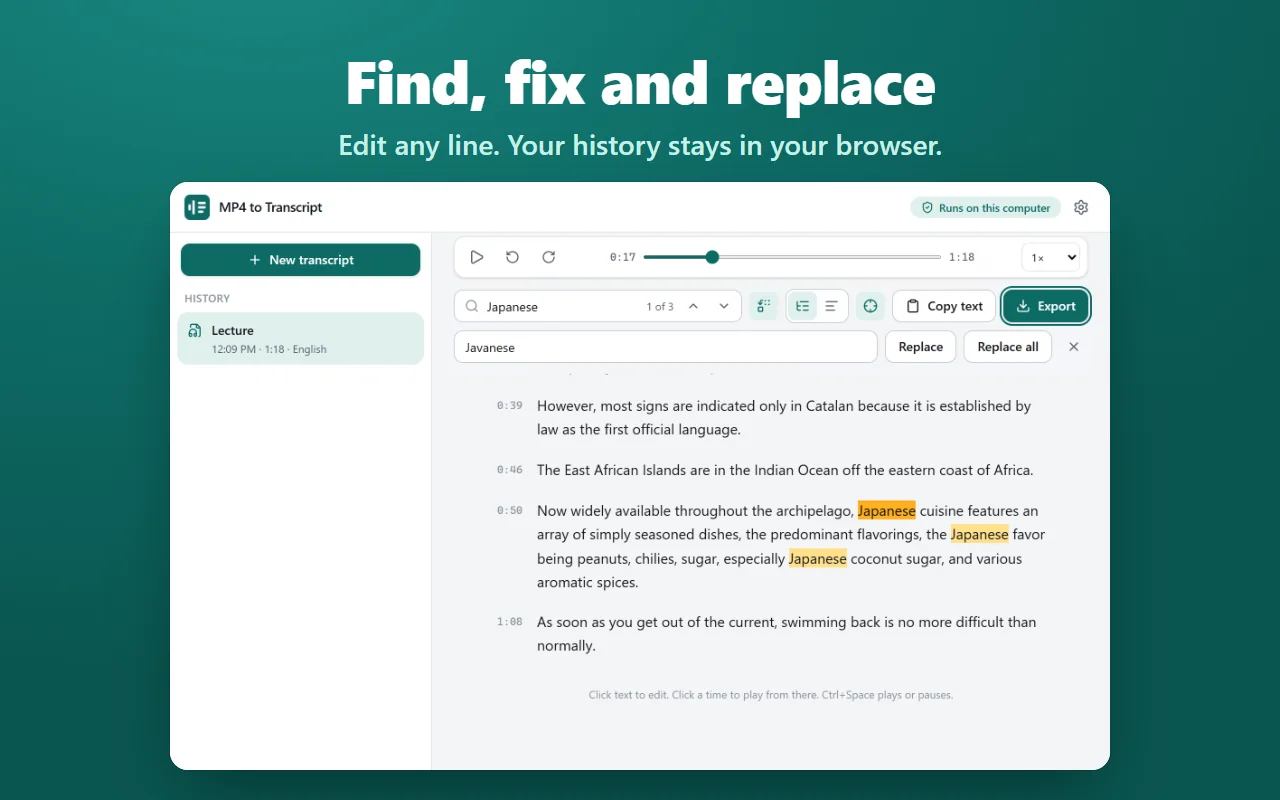
Click any line to fix a name, replace a word everywhere at once, or switch to paragraphs for reading. Edited lines can be restored to the original.
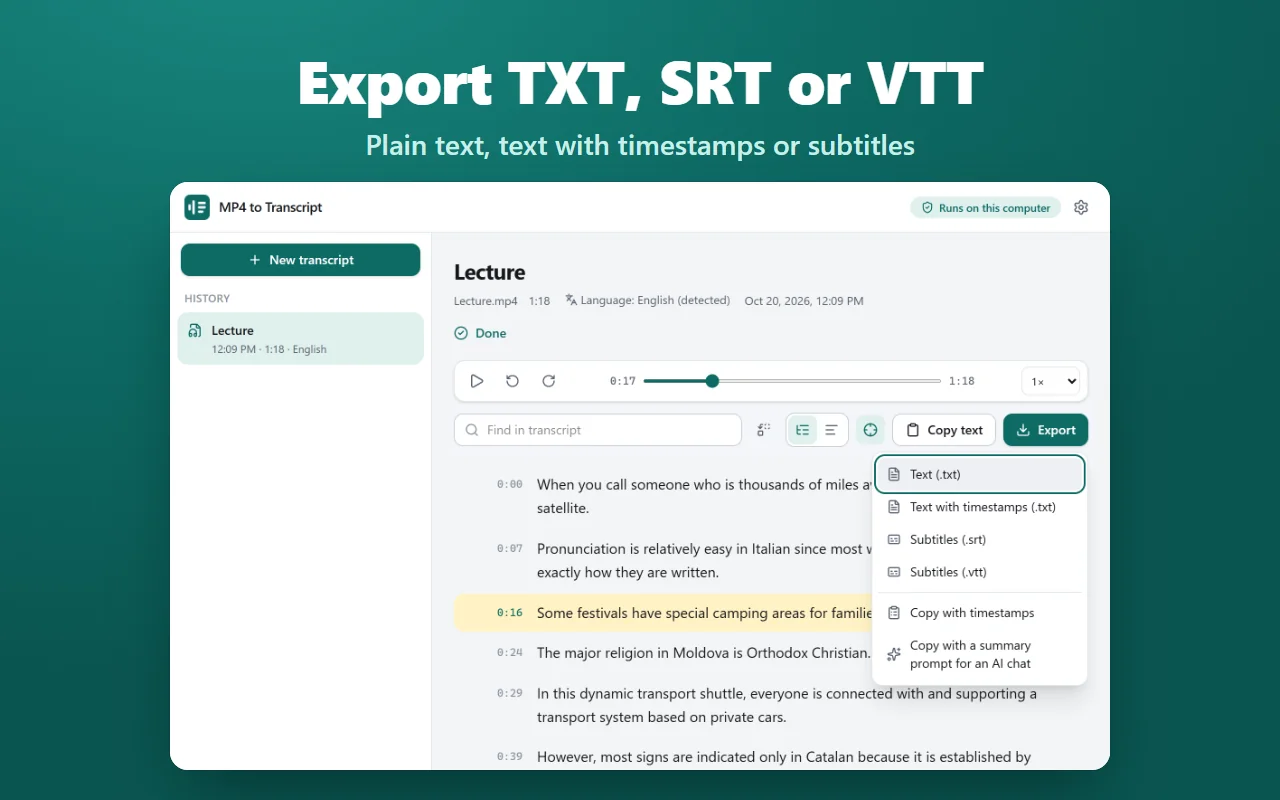
TXT, SRT and VTT
Export plain text, text with timestamps or subtitles, copy everything, or copy it with a ready-made summary prompt for an AI chat.
Resumes where it stopped
Close the tab halfway and pick up later from the history. Transcripts are kept in a searchable history in your browser.
Screenshots
Your recordings stay with you
Your audio, video and transcripts never leave your computer. The only download is the speech model, once, from huggingface.co. No account, no analytics, no servers of ours.
The extension asks for storage and unlimited storage: the model alone is far larger than Chrome's default storage for an extension. It has no access to websites you visit and no content scripts.
Questions and answers
Is MP4 to Transcript free?
Yes. Transcription, editing and every export are free, with no account, no minute limits and no watermark.
Does it upload my audio or video?
No. Your files and transcripts stay on your computer. The only download is the speech model from Hugging Face: 566 MB, or 0.76 GB on graphics chips without 16-bit support.
What does my computer need?
Chrome 121 or newer with WebGPU, as on most Windows, macOS and ChromeOS computers. Transcription runs on the graphics chip, so a stronger one is faster.
How long does a file take?
It depends on the graphics chip. On a laptop with Intel Iris Xe graphics, a 30-minute file takes about 9 to 18 minutes, plus up to a minute to load the model. The page shows an estimate before you start.
Can it make subtitles?
Yes. Export an SRT or VTT file and the cues are ready for your video editor or player.
Does it tell speakers apart?
No. It writes what is said, with timestamps, as one stream of text without speaker names.
Help and support
MP4 to Transcript
A free Chrome extension that transcribes your audio and video files locally with Whisper and exports text or subtitles.
Whisper is an open-source model by OpenAI (MIT license). MP4 to Transcript is not affiliated with OpenAI or Hugging Face.